
3D Product Visualization
Let customers rotate, inspect and visualize products before making a purchase, inquiry or specification decision.
AR Creative Marketing turns products, places, print, signage and real-world environments into digital touchpoints customers can explore from their phones.
From interactive 3D product visualization to destination storytelling and campaign activations, we create experiences that give physical marketing more depth, more utility and a clearer path to action.
The entry point might be a QR code, image, product marker, sign or physical location. The experience that follows is where the marketing value is created.
We design that next step around what your audience should discover, understand, visualize or do—then build the technology and creative around that customer journey.
Drone X1 demonstrates how a customer can move from product discovery to 3D exploration, interactive product information and augmented reality visualization.
Open the dedicated demonstration to explore the product, interact with feature callouts and test the mobile AR experience directly from your phone.

The QR opens the dedicated Drone X1 experience directly on AR Creative Marketing's website.
Open the full demo to explore Drone X1 in 3D and launch the mobile AR experience.
Open AR Experience →The right AR experience depends on where the customer encounters the brand. These concepts show how advertising, hospitality and travel environments can each become a different kind of interactive marketing experience.
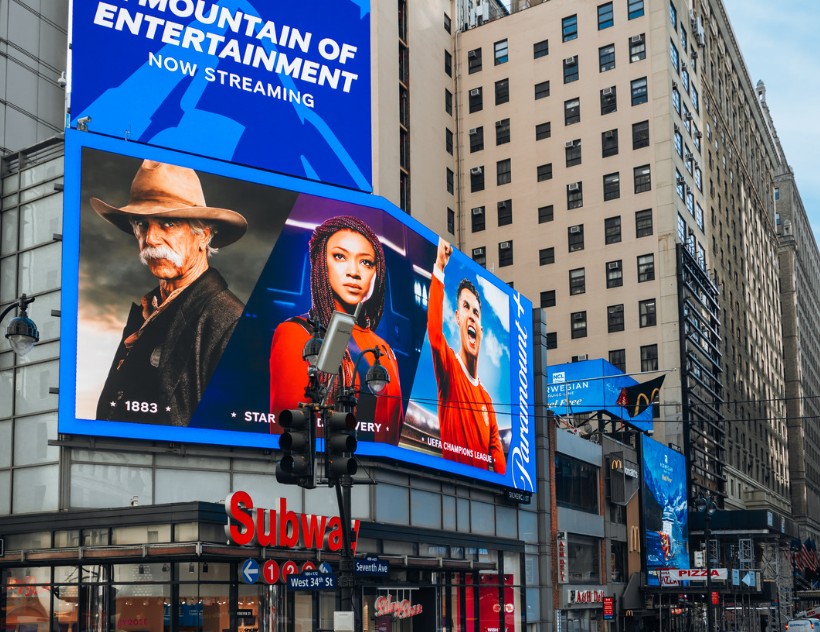
This concept is now interactive on desktop, and the billboard image itself is also the recognition target for the phone demo. A viewer can click the sample actions here or scan the billboard from a second screen to experience the campaign through their camera.

Scan this QR with your phone. The desktop stays on this page and acts as the billboard target while your phone runs the AR experience.
Tap Launch Billboard AR, allow camera access, then point your phone at the billboard image displayed on another screen.
Best suited for safe, stationary or pedestrian interaction—not something a driver should attempt while operating a vehicle.
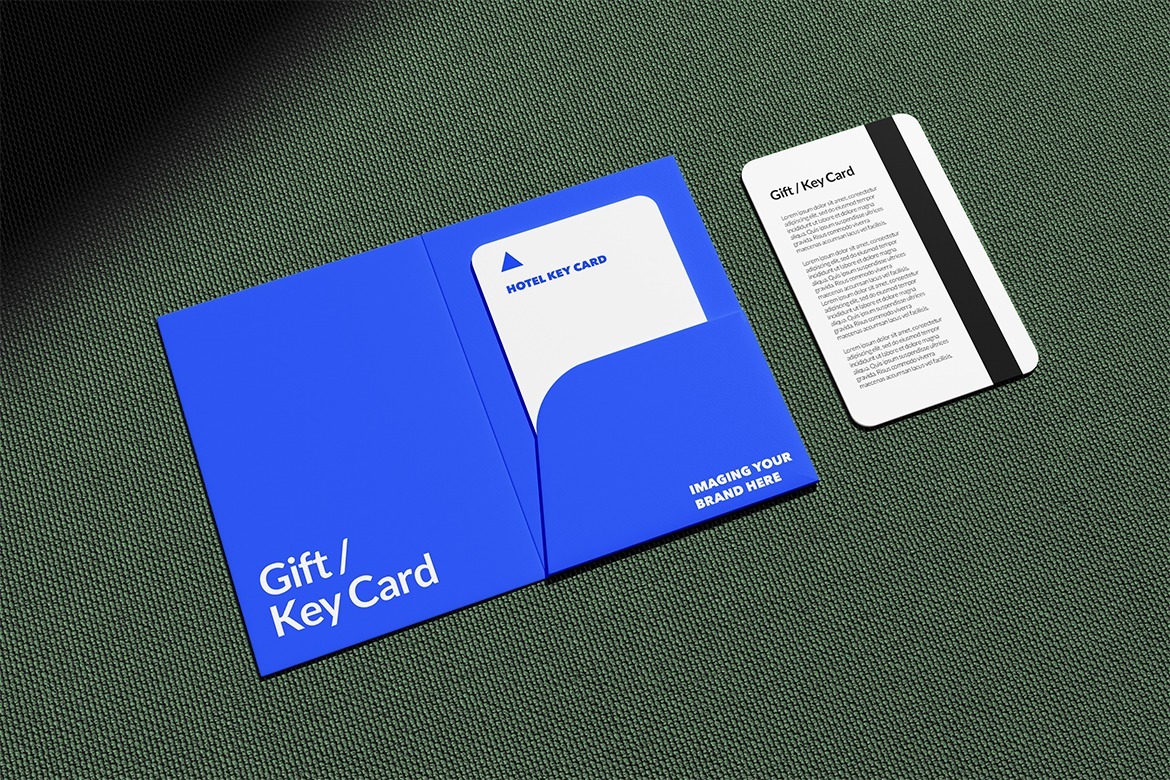
The key card image shown here is now the recognition target for the live phone demo. Guests can scan a room key sleeve, welcome card or in-room touchpoint and immediately open a branded digital concierge.

Keep the hotel key-card image visible on this screen. Open the demo on your phone, allow camera access, then point your camera at the key-card image on the left.
Tap Launch Hotel AR, allow camera access, then point your phone at the hotel key-card image displayed on another screen.
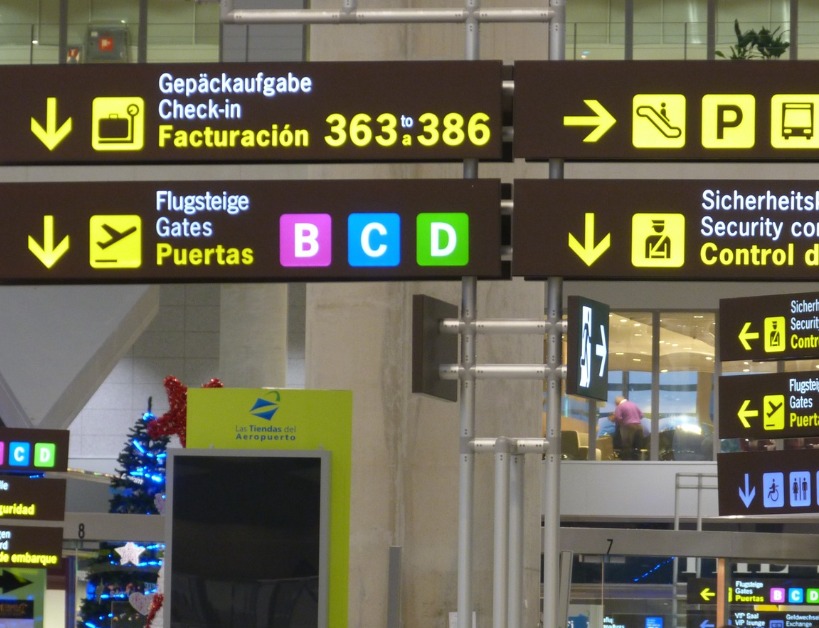
The airport signage shown here is now the live recognition target. A traveler can scan a sign, ad panel or destination display and open useful guidance, destination content and partner experiences directly from their phone.

Keep the airport image visible on this screen. Open the demo on your phone, allow camera access, then point your camera at the airport signage on the left.
Tap Launch Airport AR, allow camera access, then point your phone at the airport signage displayed on another screen.
The experience is shaped around the business goal and the physical customer touchpoint—not forced into one standard AR format.
Let customers rotate, inspect and visualize products before making a purchase, inquiry or specification decision.
Extend pedestrian-facing outdoor media, posters, murals and large-format creative into interactive campaign experiences.
Bring landmarks, murals, neighborhoods and public spaces to life with stories, discovery and location-based content.
Turn guest touchpoints into useful digital concierge experiences, property guides and destination discovery.
Use traveler dwell time for wayfinding, welcome experiences, destination content and partner activations.
Connect schedules, exhibits, sponsor activations, product content, games and lead capture into a mobile layer.
Add product education, demonstrations and digital calls to action to physical retail environments.
Give brochures, direct mail, magazines, catalogs and packaging a second layer of video, information and interaction.
Connect model homes, floor plans, signage and community marketing with tours, amenities and interactive visualization.
Already have CAD or 3D files? We can prepare and optimize them for interactive web and mobile experiences.
Don't have a usable 3D model? Depending on the product, AR Creative Marketing can create or coordinate the digital product representation from available photography, dimensions, specifications, reference imagery and existing product assets.
The finished model is optimized around the experience so it loads quickly, looks polished and behaves correctly on the devices your customers actually use.
Interactive technology earns its place when it helps the campaign create more value—not simply because the technology is new.
Turn a short physical impression into a deeper experience people can continue exploring.
Use 3D, video and interaction to communicate what static creative cannot show by itself.
Build a direct path from the physical environment into digital information, offers and actions.
Let people save, request information, register, inquire or take another trackable next step.
We start with what the audience should do and how the experience should support the marketing goal. The technology is selected to serve that journey.
Identify the audience, physical touchpoint and business outcome the experience needs to support.
Map the trigger, interaction, content and next action into one intentional customer flow.
Create the visual assets, 3D content, interactive interface and technical implementation.
Deploy the experience and evaluate what audiences open, explore and act on.
Bring us the product, campaign, place or physical touchpoint. We'll help shape the interactive experience around the audience and the outcome you want to create.
Start An Interactive Project